This weekend I got an urge to experiment with a virtual Mark 1. Most Mycroft community members have not ever experienced a physical Mark 1, and because of the PCBs involved, probably never will. Generative AI makes it easy to reverse engineer (as we’ve seen in headlines recently), so I thought - can we make a virtual Mark 1?
Short answer: yes, we can!

This Mark 1 lives in your browser and connects to an OVOS instance running somewhere on your network. You can interact with it and try out changing colors, making it blink/wink, applying symbols, or any of the other fun things you can do with a real physical Mark 1.
After I shared this in Matrix, someone asked when it would be available as a replacement GUI for the Mark 2. I mentioned that I’d rather see the old Mark 2 demo come to life as a working product. Well…I couldn’t just let that go.
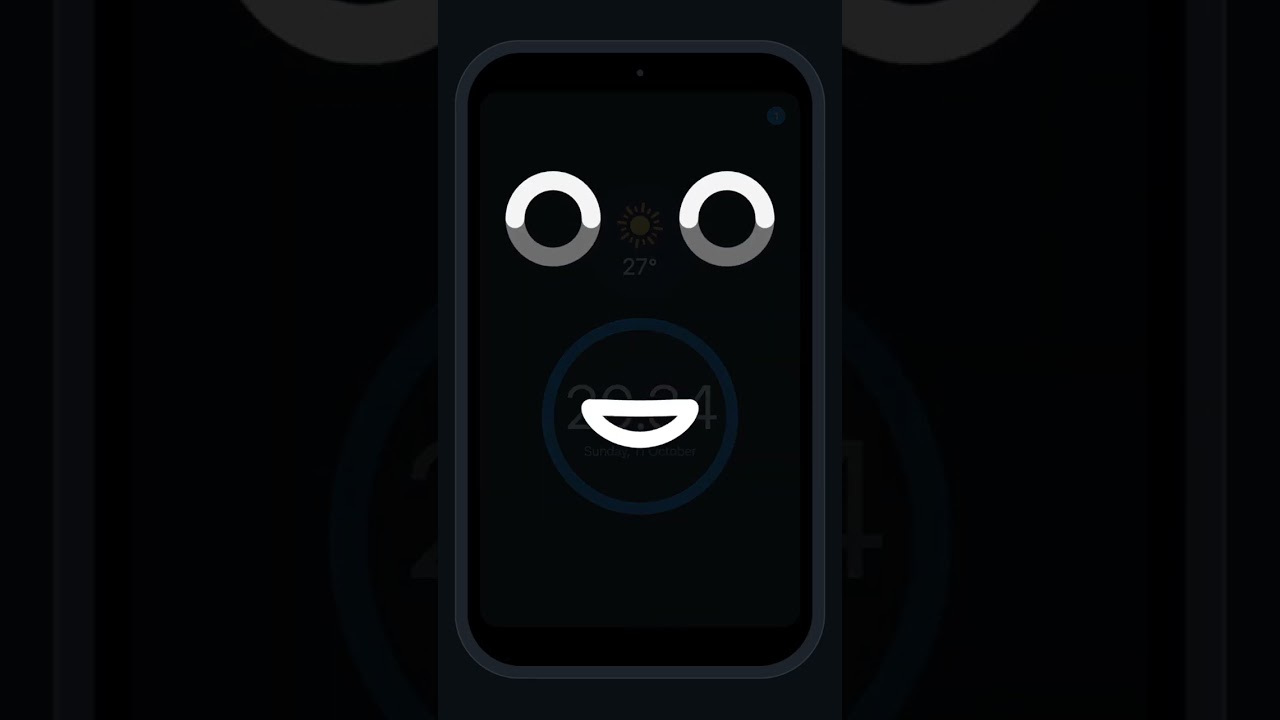
This also lives in your browser and connects directly to an OVOS instance. It’s view-only right now, so there are no interactive components (clicking won’t do anything). To get the mouth moving properly, you need a TTS plugin that produces visemes and timings. OVOS has a plugin to do that with generic results or you can use the official phoonx TTS plugin. In my demo video, I’m using my kokoro TTS plugin, which emits visemes and timings that are used as part of speech generation.
Hope you enjoy! PRs are always welcome, and so are issues and feedback.