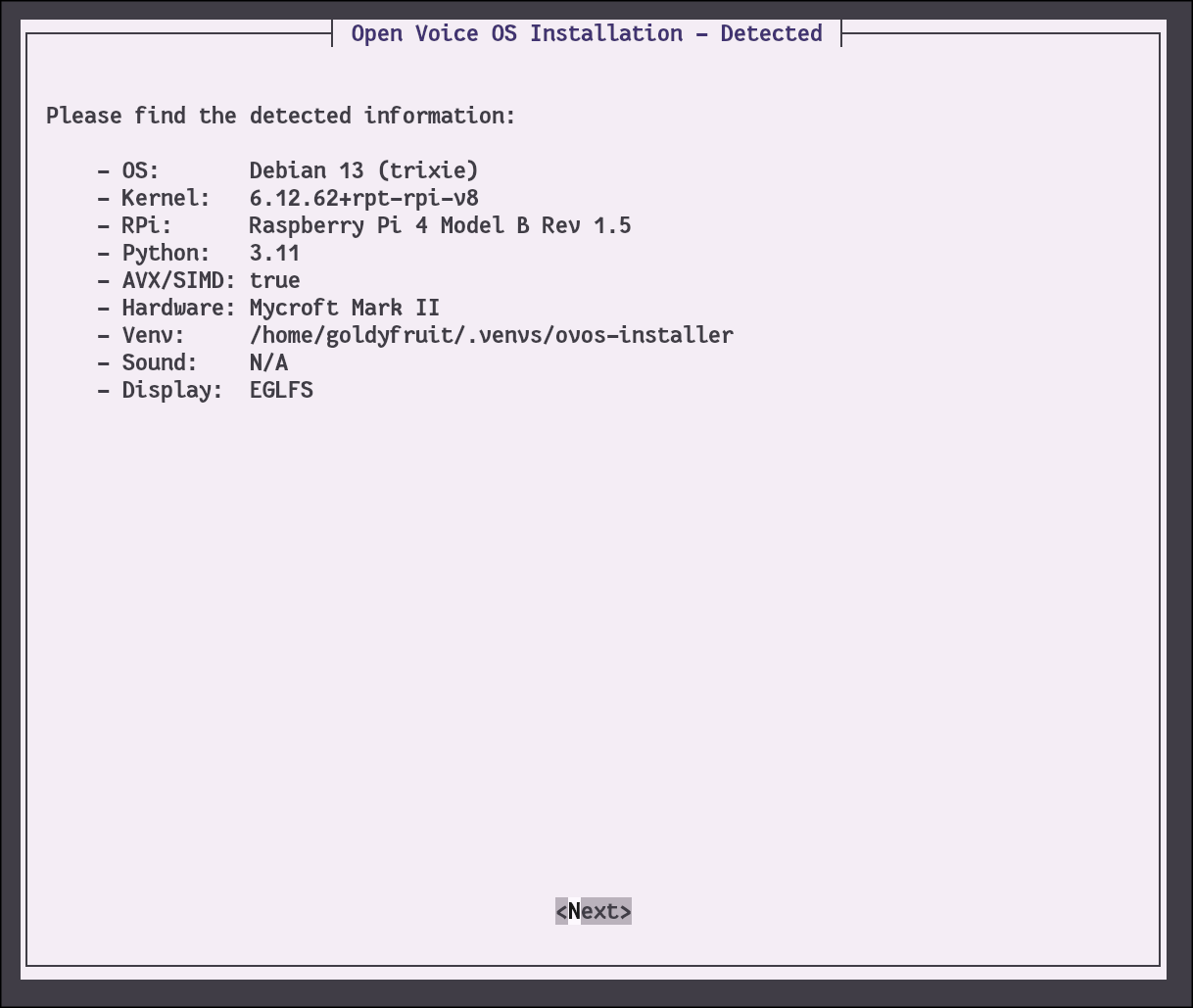
Can anyone help me please? I truly appreciate all the work you are doing on this important project, but I must be missing something because I can never get OVOS working on my Mycroft Mk2. I’ve tried the base OS as Trixie 64bit with and without desktop, Bookworm 64 bit Lite, and have followed the instructions to run sudo sh -c “$(curl -fsSL https://raw.githubusercontent.com/OpenVoiceOS/ovos-installer/main/installer.sh)” (having installed git when necessary). I’ve tried it on an SD card and a USB SSB drive. In all cases SOMETHING wrong happens. Either everything looks fine but nothing at all happens when I say “Hey Mycroft” or push to top button, or else I get an error toward the end of the install. The error points to a URL. This is the latest: https://paste.uoi.io/khF3
I’d really appreciate some ideas for what might be going wrong and how I can fix it. Thanks very much!
Well, it does install now. However, after it booted and finally said that it was ready, it responded to “Hey Mycroft” with the expected tone, but just gave silence for “What time is it?”. I left it on while I went to get some coffee. When I came back it responded to the same question with “Wolfram Alpha did not understand your input” stated twice. The same question then gave the correct time but also stated it twice. It also did not like “What are you” and “What is the weather” (both came back with the doubled Wolfram Alpha response. Is the Mk2 just hopeless, or do I need to wait more time before I can expect much more?
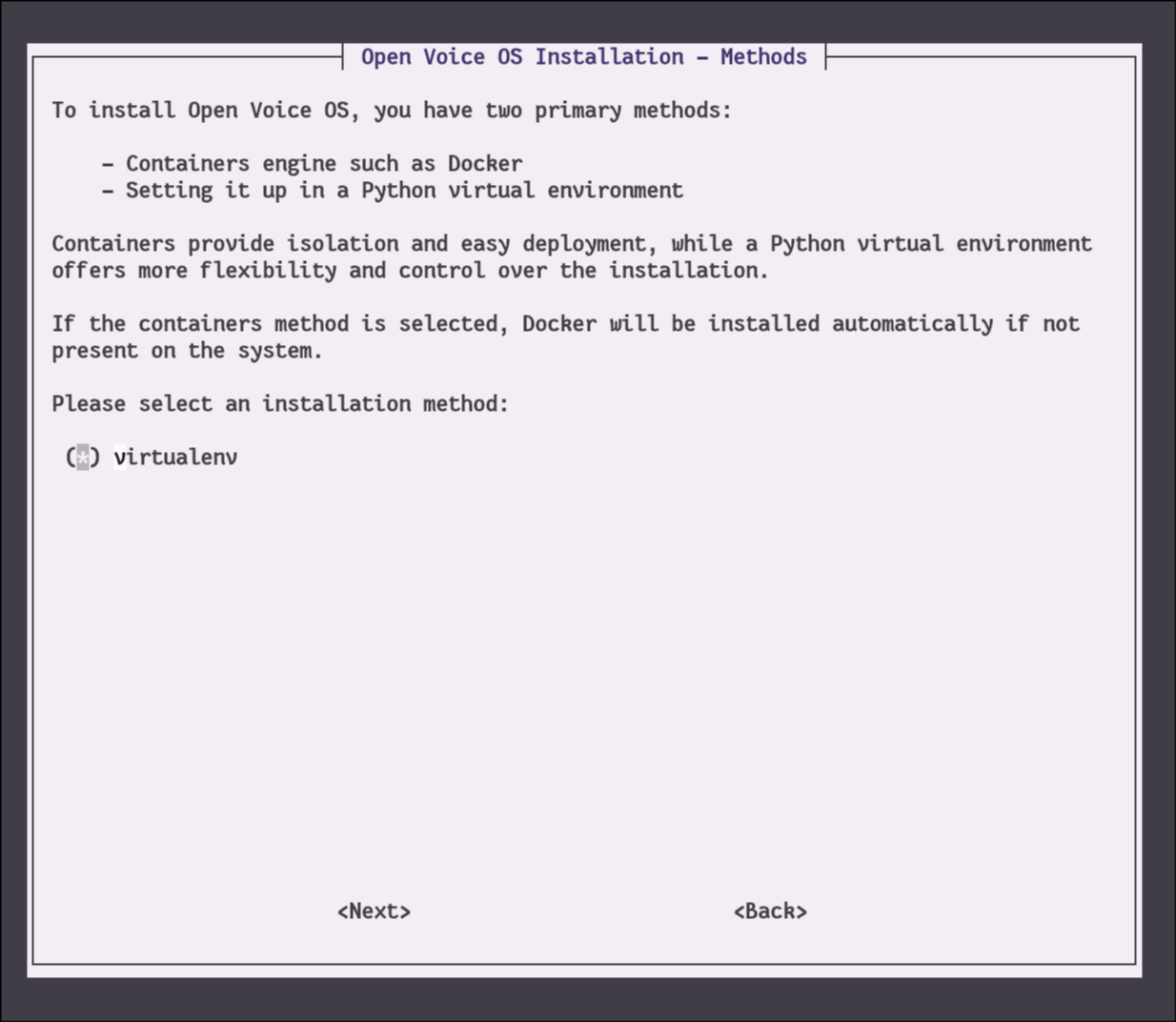
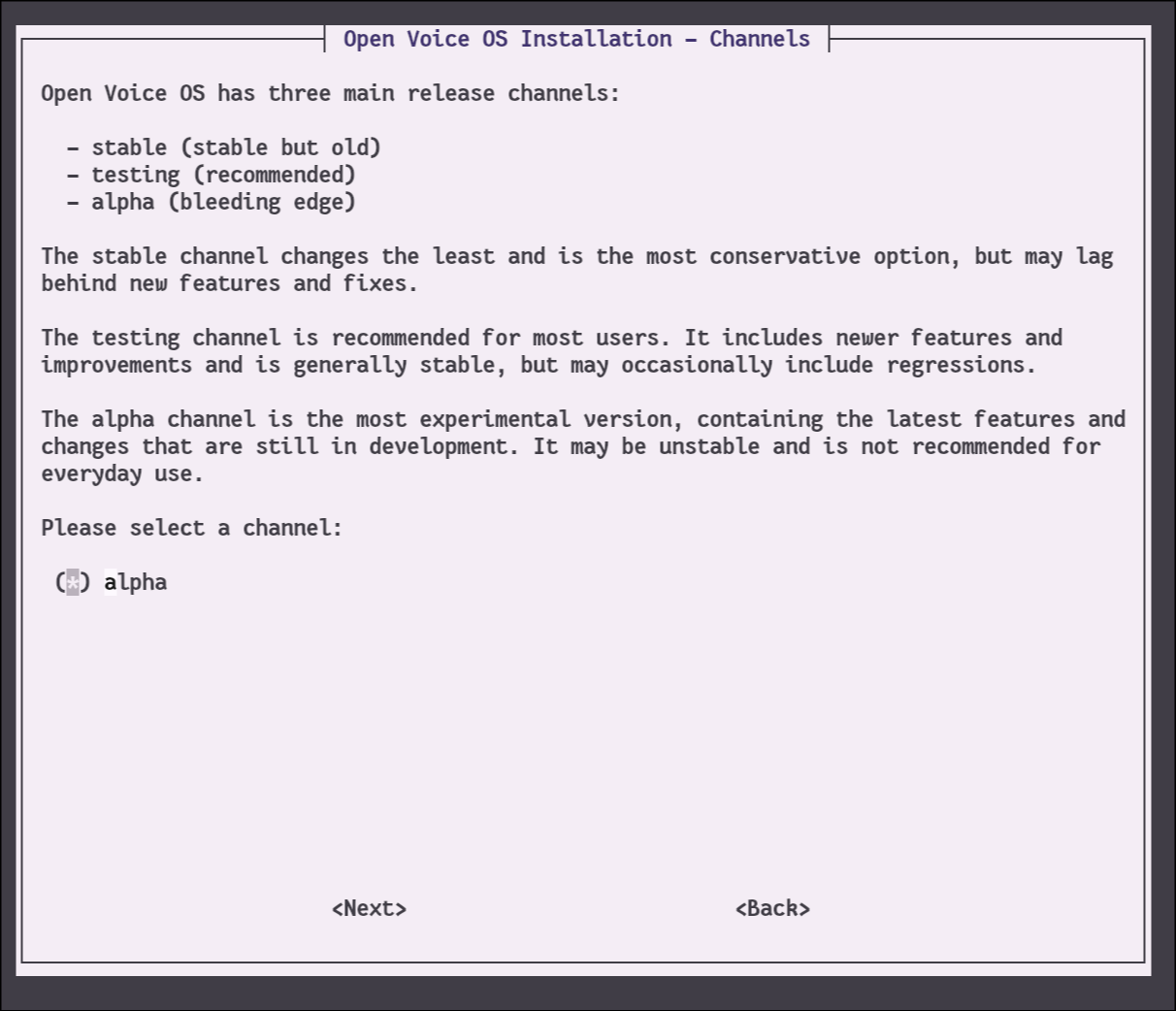
Well, I could not just rerun the curl command. I had been trying lots of things and had the system disk pretty well messed up. So I re-installed Trixie 64 with Desktop and ran the curl. For whatever reason, everything was off the left edge of the terminal so I could not see which menu options were starred, so I guessed. After the install finished and the system rebooted, there was nothing at all on the screen, not response to “Hey Mycroft” or to pushing the button. Every once in a while I would hear a garbled tone. SO I next tried to reinstall just using the curl command. This time, my terminal was not tall enough and I could not see the bottom so I apparently have chosen to uninstall though I’m not sure. I’ll try to install after it is finished and make sure my screen is tall enough.
Ok, re-installed. The menus are ok but they are no longer forcing me to take Alpha and venv (but I did). The behavior appears to be the same. BTW, top show ovos-core taking up roughly a full CPU and pipewire and ovos0kinkum-lis each about 15%. And now after about 4 minutes of uptime, the MkII spoke “I am ready”. and core is down to about 3%, dinkum 45% and pipewire 13%. However absolutely nothing on the screen, and no response to “Hey Mycroft” or to pushing the button. (BTW, when it rebooted, I did not see the rainbow rectangle either)
Thanks for posting the details of what you did. First, I did not see your response saying that I should install the Lite version before I had actually posted the next reply. Now I have re-installed using Trixie 64 Lite, and then run the OVOS install again. It is sort of working (more later). A few things in order:
One must be careful what to copy/past of the curl command line. When posted here, the quotes are displayed as open quote and close quote rather than just a normal command line double quote. That causes errors until I figured it out.
Arrgh. The questions disappeared from the screen so I can’t tell you exactly, but the virtual env and alpha above were forced. The next several did give me choices like extra skills etc. Another one asked about OVOS and GUI. Both were pre-starred and I accepted them
Anyway, after the installation it rebooted (again, not showing the rainbow, nor the startup text flying by as it usually does with lite). Several minutes after booting it announced “I am ready” twice. There is absolutely nothing on the screen…no gui that I can see. “Hey Mycroft” does not give a tone, and neither does the top button. However, it now usually answers “What time is it” and “who made you” and “what is the temperature”. It gives one of its versions of “I don’t understand” for “Who was Ada Lovelace” and “What would Duke Nukam say”
Oh, now I can very faintly hear a tone after “Hey Mycroft”. But most other questions that I make up “Where Are We, What is the current zip code, what is amateur radio” all just give a double tone the clearly means failure.
I’m guessing this is not the expected behavior. I’d be happy to help debug this if there are any logs that would be useful. Otherwise, I’ll just give up for the moment.
I reinstalled OVOS using just the curl command from above. Only a couple small differences:
Volume was very low at first. Buttons fixed that.
Volume buttons now make little noises as you push them (good)
Response to “Who is Ada Lovelace” was “I don’t know who that is”.
Response to “What is the temperature” the first time was “Anytime”. The second time was the correct temp, but repeated once.
The screen is still totally blank. There is no tone response to “Hey Mycroft” although it does apparently start listening. BTW, the network is ok. I have SSHed to it from another machine.
It seems like I must have something different than you do and again, I’d be happy to help debug.
So just to confirm @burns, are you deploying the Raspberry Pi OS Trixie Lite - 64-bit on your Mark II device?
I’m not able to replicate your GUI issue, I tried many combo on my Mark II and the only thing I could think about it that you might have installed a 32-bit version.
Yes, @goldyfruit I did install the 64-bit lite version. I can try again in case I made a mistake, but I’m 99.99 percent sure I did. Let me add a couple things and maybe you can confirm if the behavior is expected and/or what I did could be related.
Instead of an SD card, I am using a Joiot 500Gb SSD plugged into one of the blue USB connectors on the Mk 2. I believe this is the same brand that OVOS sent out when they first “took over” the Mk 2 maintenance.
When I boot the first time, the expected rainbow square appears on the Mk2 screen, followed by console output from Linux. I think there is a login prompt, but I use ssh. However, after doing the OVOS install nothing at all appears on the screen, rainbow or console output. I just have to wait until I am able to SSH in order to know whether it has booted.
It takes several minutes after the boot finishes (3? 5? 10?) before I hear “I am ready” from the speaker.
Expected as first boot after flashing (writing the image on USB), the Raspberry Pi “flash” (EEPROM) what needs to be done (even if nothing needs to be done).
Ok, @goldyfruit I’ll try re-installing. Are you thinking that when I ssh in, that somehow prevents the GUI from appearing? I realize that I should not HAVE to ssh. I just did it because it looked like the Mk2 was not booting at all. Also, does it make sense after installing OVOS that none of the console output appears on the screen (or the rainbow).