# Open Voice OS on Raspberry Pi 5
**URL:** https://community.openconversational.ai/t/open-voice-os-on-raspberry-pi-5/14239
**Category:** Other Hardware Topics
**Tags:** raspberry-pi-5, hardware, ovos
**Created:** [February 26, 2024, 1:51am UTC](https://community.openconversational.ai/t/open-voice-os-on-raspberry-pi-5/14239 "2024-02-26T01:51:40Z")
**Posts on this page:** 6
**Page:** 1
### Author:  [@goldyfruit](https://community.openconversational.ai/u/goldyfruit)
#### Post date: [February 26, 2024, 1:51am UTC](https://community.openconversational.ai/t/open-voice-os-on-raspberry-pi-5/14239/1 "2024-02-26T01:51:40Z")
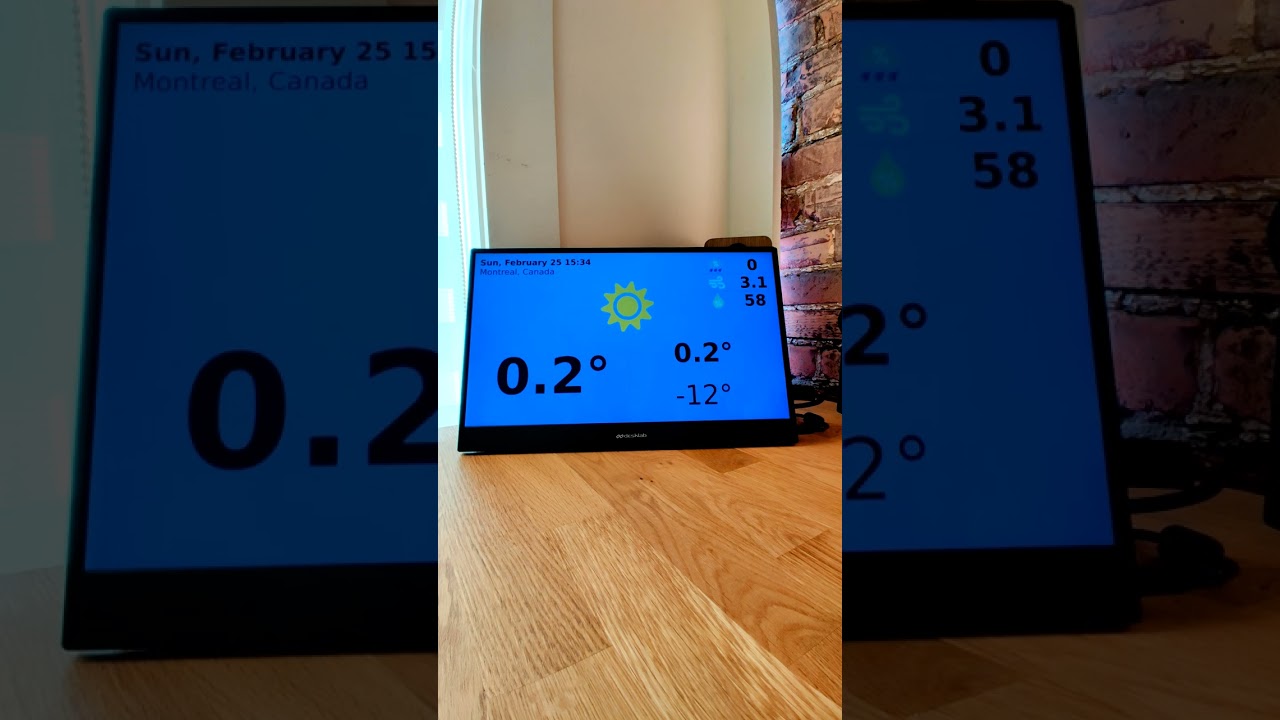
Here’s a simple demo running Open Voice OS on a Raspberry Pi 5 with the GUI leveraging the Qt EGLFS capability.
- Raspberry Pi OS Bookworm Lite 64-bit _(burned via `rpi-imager`)_ + Debian Backports
- Open Voice OS installed with `ovos-installer` within `virtualenv` using the latest OVOS code
- Real time kernel `6.6.18`
- Raspberry Pi 5 clocked to **3Ghz**
- Amazon Polly as Text-To-Speech _(TTS)_
- Chromium as Speech-To-Text _(TTS)_
- PipeWire as sound server
[ ](https://www.youtube.com/watch?v=uFqQeTCm9T8)
Links:
- [GitHub - OpenVoiceOS/ovos-installer: Open Voice OS and/or HiveMind installer using Ansible with an intuitive and easy Text-based User Interface](https://github.com/OpenVoiceOS/ovos-installer)
- [https://www.raspberrypi.com/software/](https://www.raspberrypi.com/software/)
Enjoy 🔥 🎉
---
### Author:  [@goldyfruit](https://community.openconversational.ai/u/goldyfruit)
#### Post date: [February 26, 2024, 2:19am UTC](https://community.openconversational.ai/t/open-voice-os-on-raspberry-pi-5/14239/2 "2024-02-26T02:19:12Z")
Here is resources consumption sample:

---
### Author:  [@Miguel\_Angel\_Fernand](https://community.openconversational.ai/u/Miguel_Angel_Fernand)
#### Post date: [May 8, 2024, 8:26pm UTC](https://community.openconversational.ai/t/open-voice-os-on-raspberry-pi-5/14239/3 "2024-05-08T20:26:32Z")
Hi, I would like to set one up but with the rapberry pi 4.
---
### Author:  [@JarbasAl](https://community.openconversational.ai/u/JarbasAl)
#### Post date: [May 8, 2024, 9:07pm UTC](https://community.openconversational.ai/t/open-voice-os-on-raspberry-pi-5/14239/4 "2024-05-08T21:07:43Z")
There should be no problem with a rpi4, you can either use the prebuilt RaspOVOS image or use ovos-installer
demo on a pi4 is not much slower than a pi5
[ ](https://www.youtube.com/watch?v=Qe2OzKGHLoM)
---
### Author:  [@Miguel\_Angel\_Fernand](https://community.openconversational.ai/u/Miguel_Angel_Fernand)
#### Post date: [October 3, 2024, 1:37pm UTC](https://community.openconversational.ai/t/open-voice-os-on-raspberry-pi-5/14239/5 "2024-10-03T13:37:37Z")
And can I make it respond to commands in Spanish?
---
### Author:  [@goldyfruit](https://community.openconversational.ai/u/goldyfruit)
#### Post date: [October 4, 2024, 12:50am UTC](https://community.openconversational.ai/t/open-voice-os-on-raspberry-pi-5/14239/6 "2024-10-04T00:50:10Z")
Yes you can.